Author
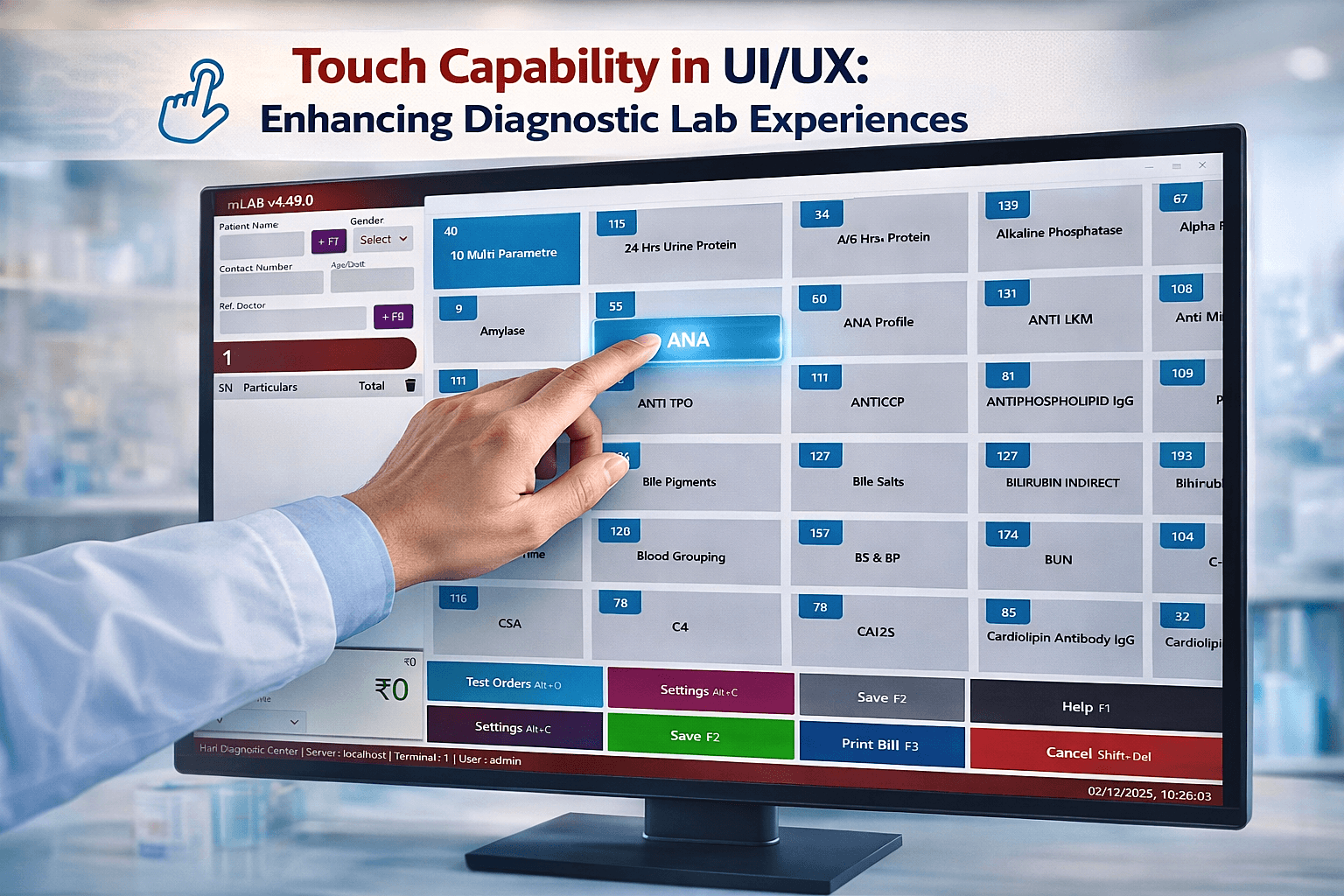
In today’s fast-paced laboratory environment, managing complex workflows efficiently is crucial. mLab, a modern Laboratory Information Management System (LIMS), has redefined user experience and interface design for labs by focusing on simplicity, efficiency, and intuitiveness. Unlike traditional lab software, which often overwhelms users with cluttered screens and confusing navigation, mLab’s UI/UX is designed to make complex operations seamless and fast, allowing lab professionals to focus on their core work—research, testing, and analysis—without being bogged down by software complexity.
The first thing users notice about mLab is its clean, minimalistic interface. Every element is thoughtfully placed, with a clear hierarchy of information. Key features are easily accessible, and unnecessary clutter is eliminated. This ensures that new users can navigate the system with minimal training, reducing onboarding time and increasing productivity.
mLab’s navigation is structured for efficiency and speed. Users can move between modules like sample tracking, test results, inventory management, and reporting with minimal clicks. Logical grouping of features ensures that lab staff spend less time searching for functions and more time performing essential tasks.
mLab is designed to be fully responsive, making it accessible on desktops, tablets, and smartphones. Whether lab technicians are on the bench or in a consultation room, they can access data efficiently without being tied to a single workstation.
At the core of mLab’s UX philosophy is understanding the needs of lab professionals. Every feature is built to simplify workflows and reduce errors.
These features create a more efficient, error-free lab environment.
Data visualization in mLab is clear, interactive, and actionable. Complex datasets are presented using charts, graphs, and tables that are easy to interpret. This reduces cognitive load and allows lab staff to make faster, informed decisions.
mLab ensures that the user experience is inclusive and compliant with global lab standards.
mLab’s UI/UX is designed for the real-world needs of modern laboratories. Its clean design, intuitive navigation, responsive interface, and user-focused features make it one of the most user-friendly laboratory management platforms available today. By reducing complexity, improving data visualization, and streamlining workflows, mLab empowers lab professionals to focus on what truly matters—accurate testing, analysis, and patient care.
For labs seeking a LIMS that combines efficiency, clarity, and user-centered design, mLab stands out as the industry-leading solution.